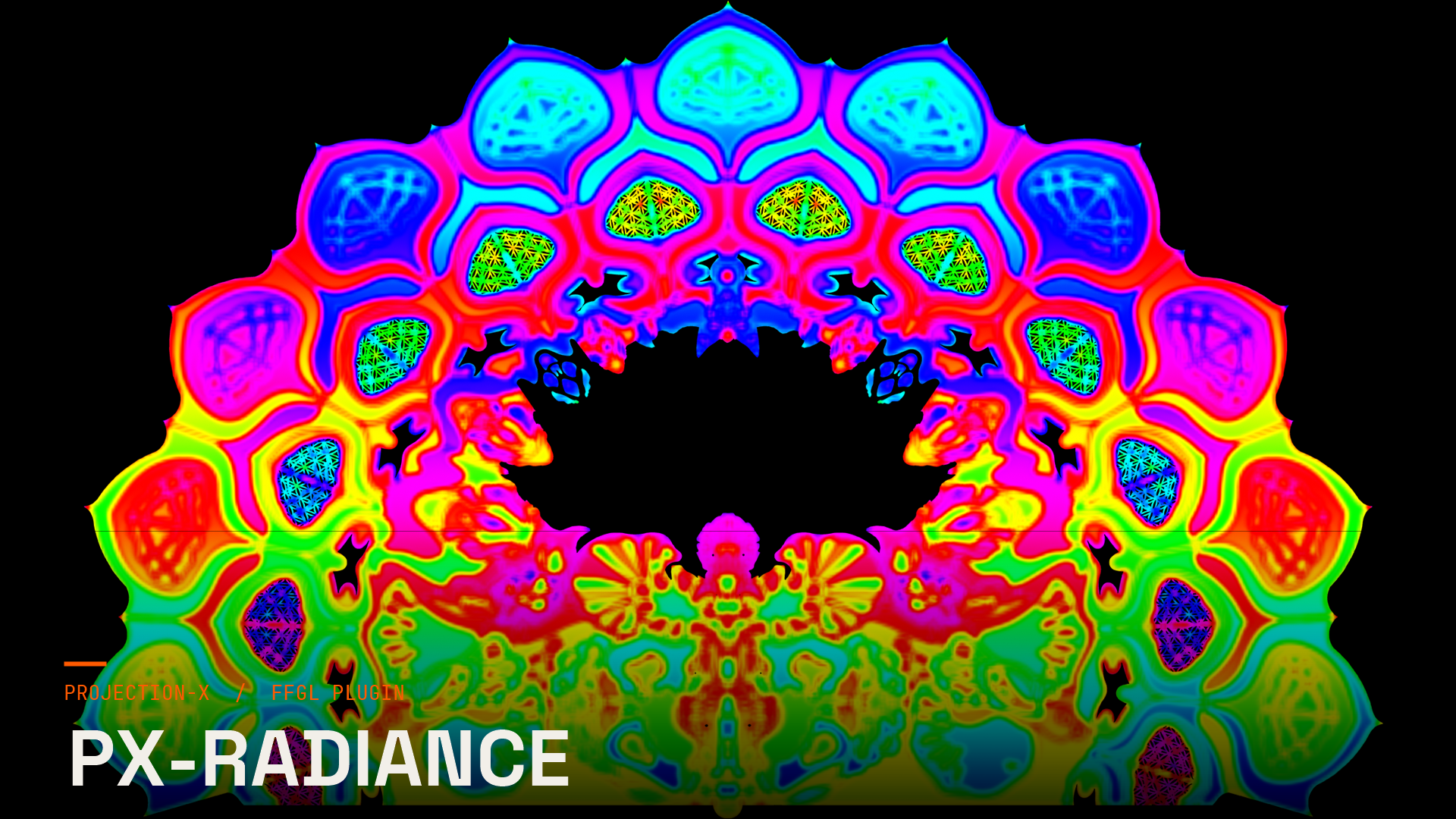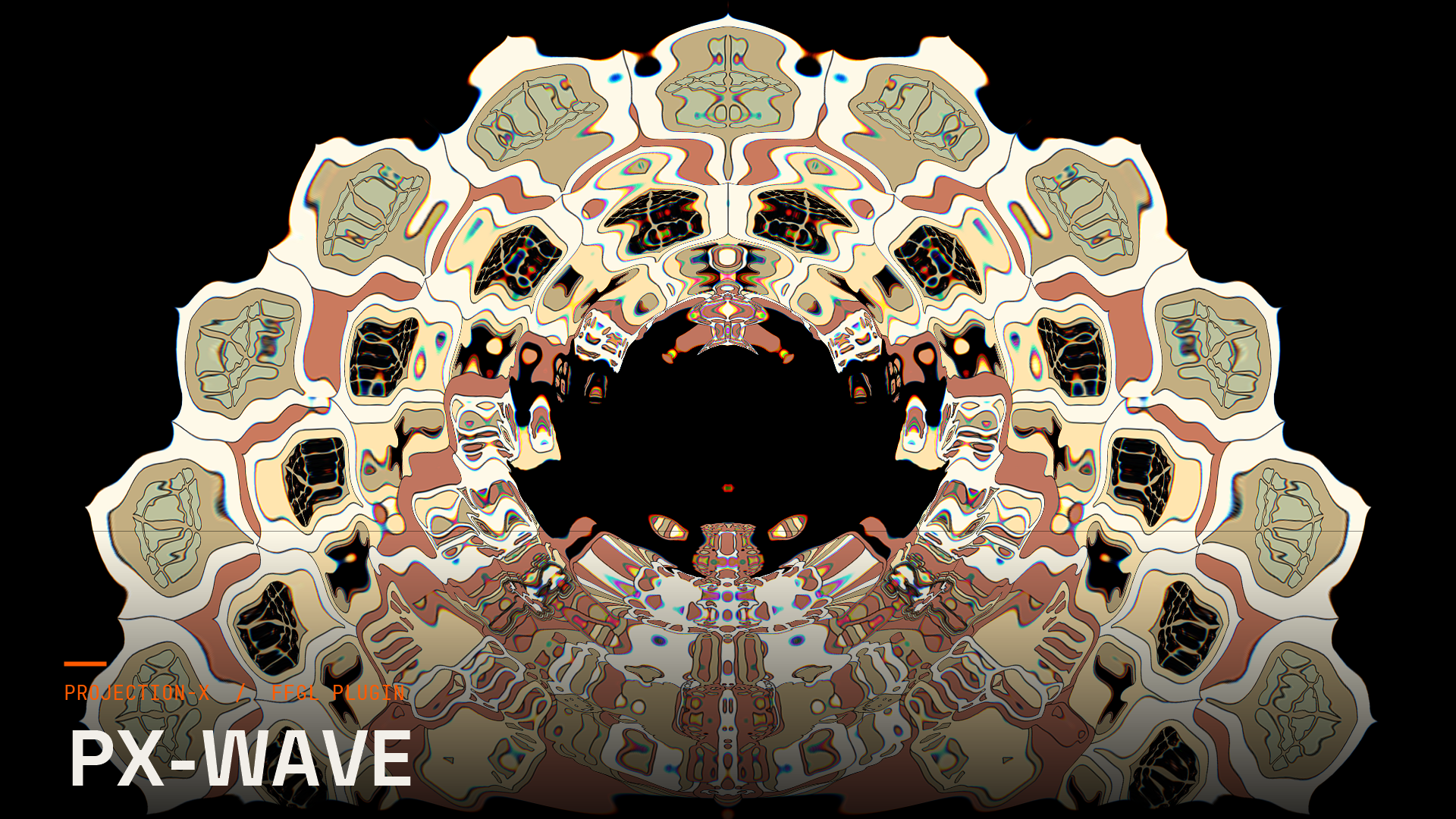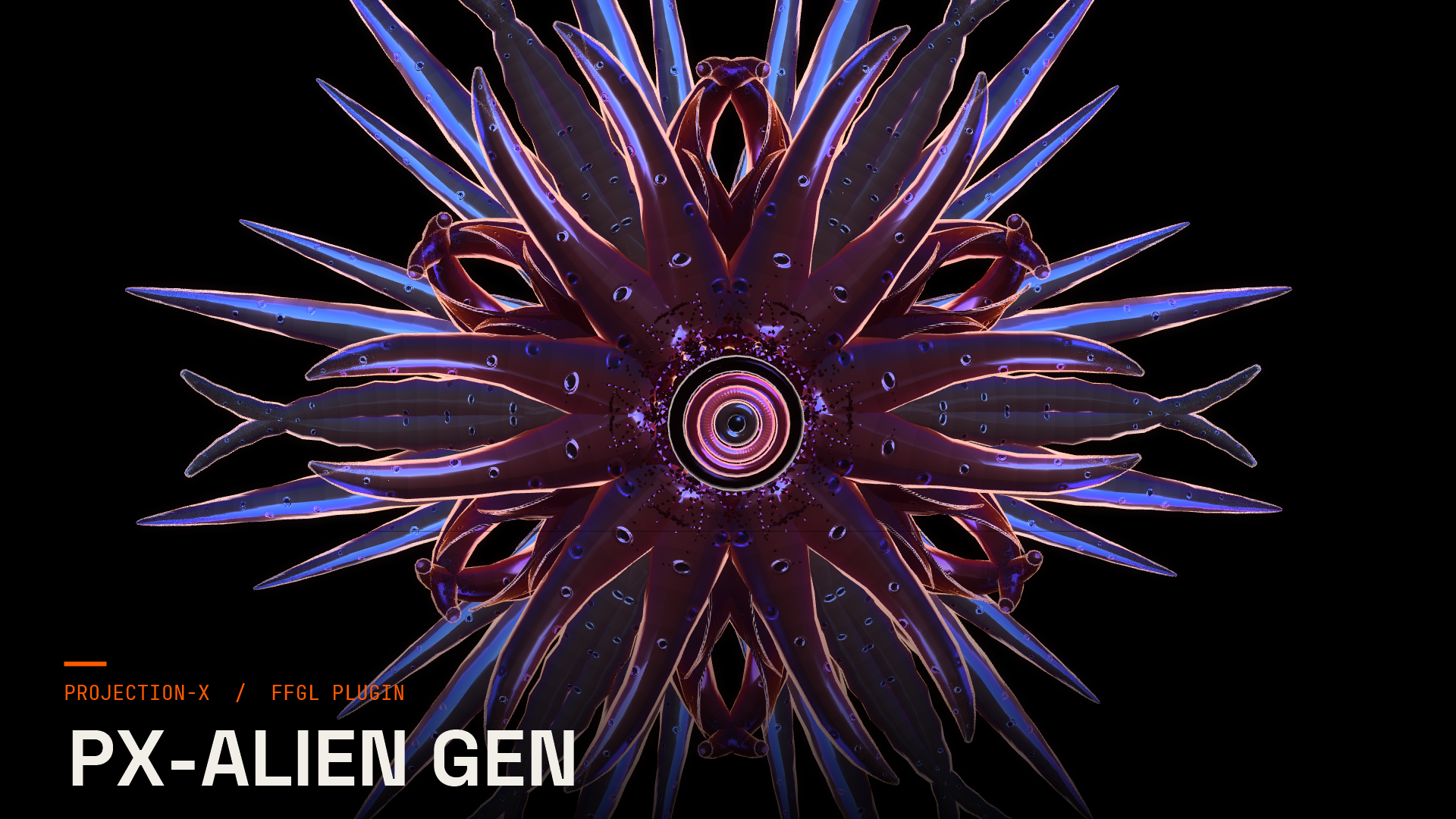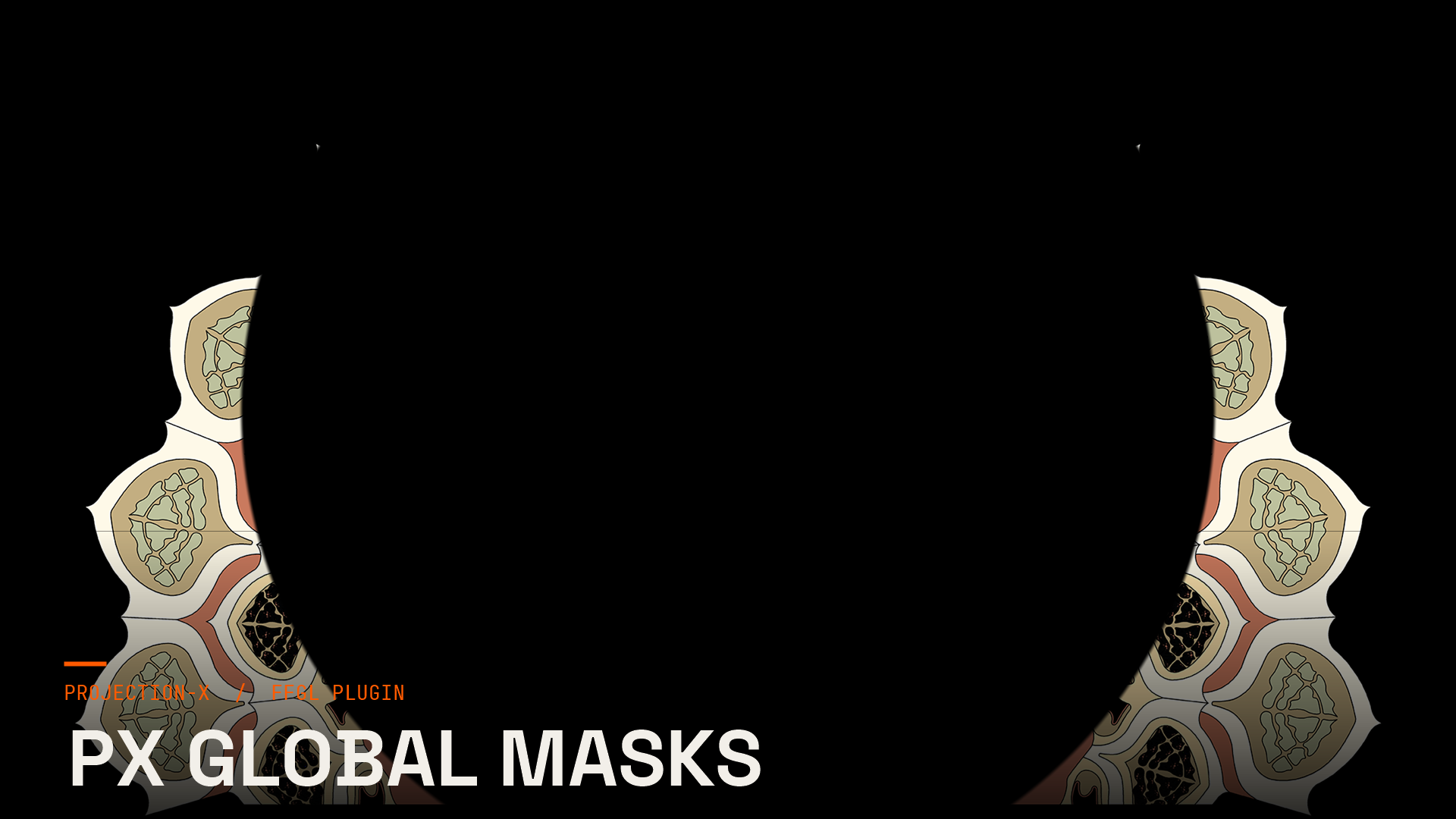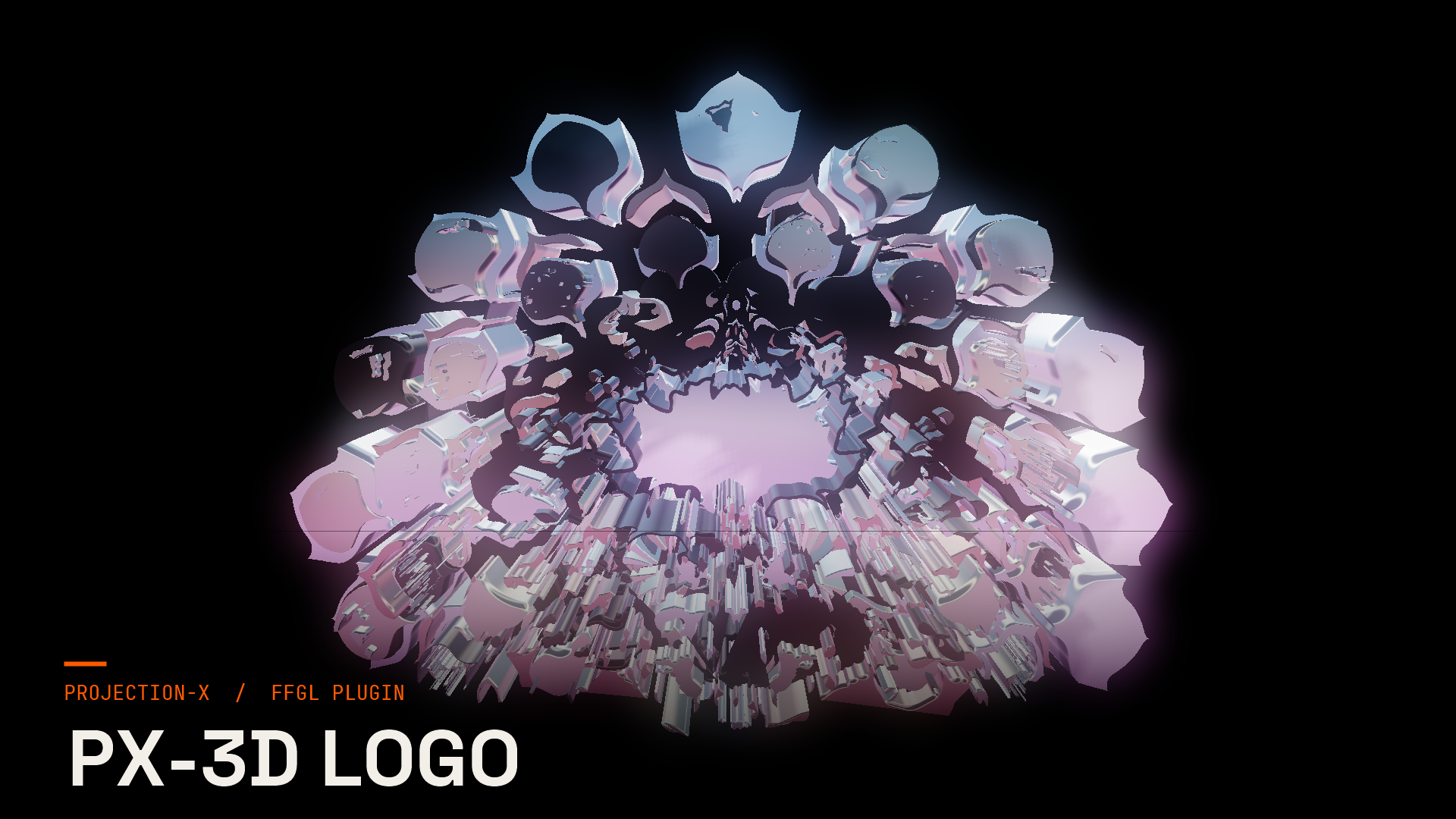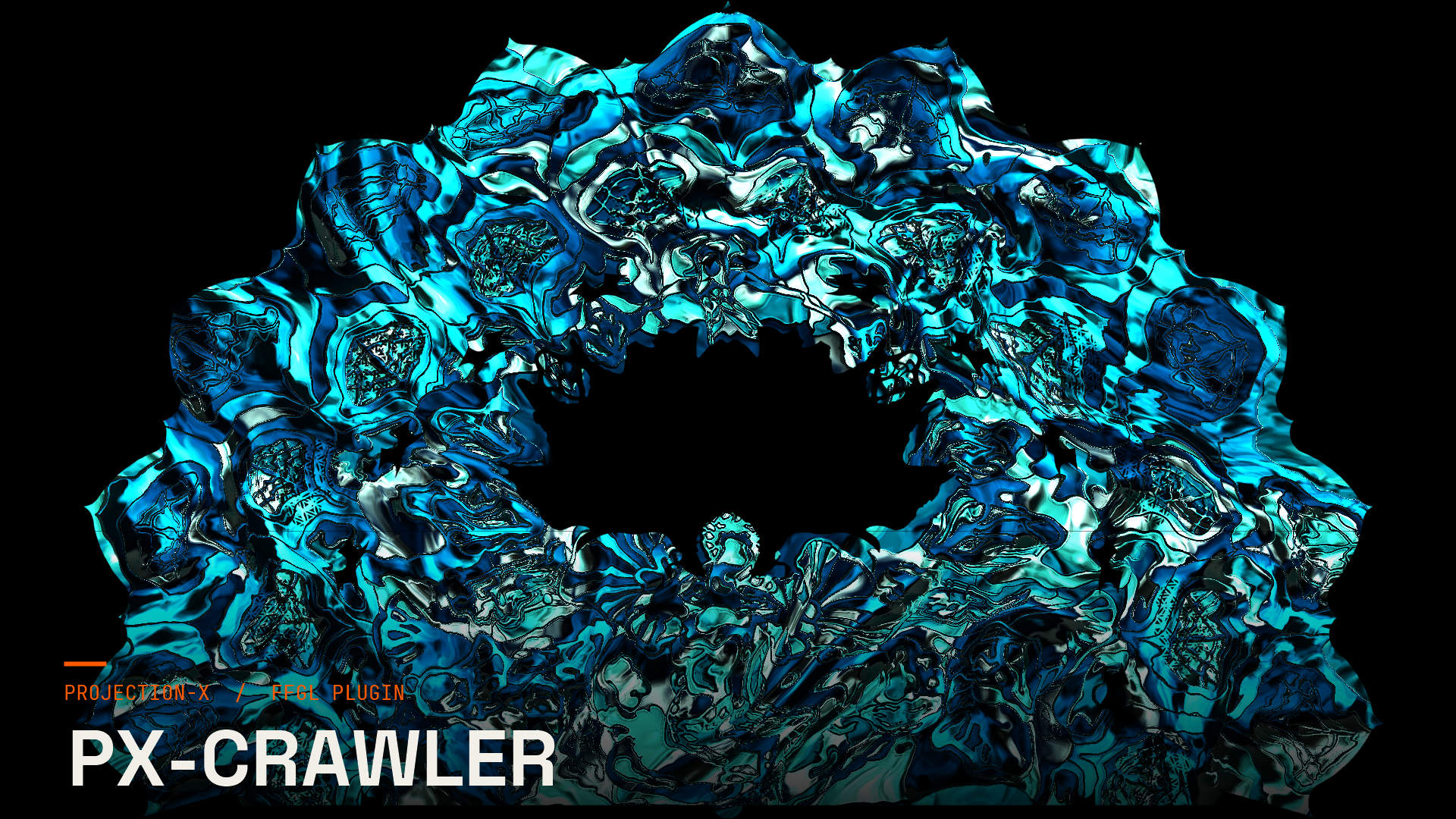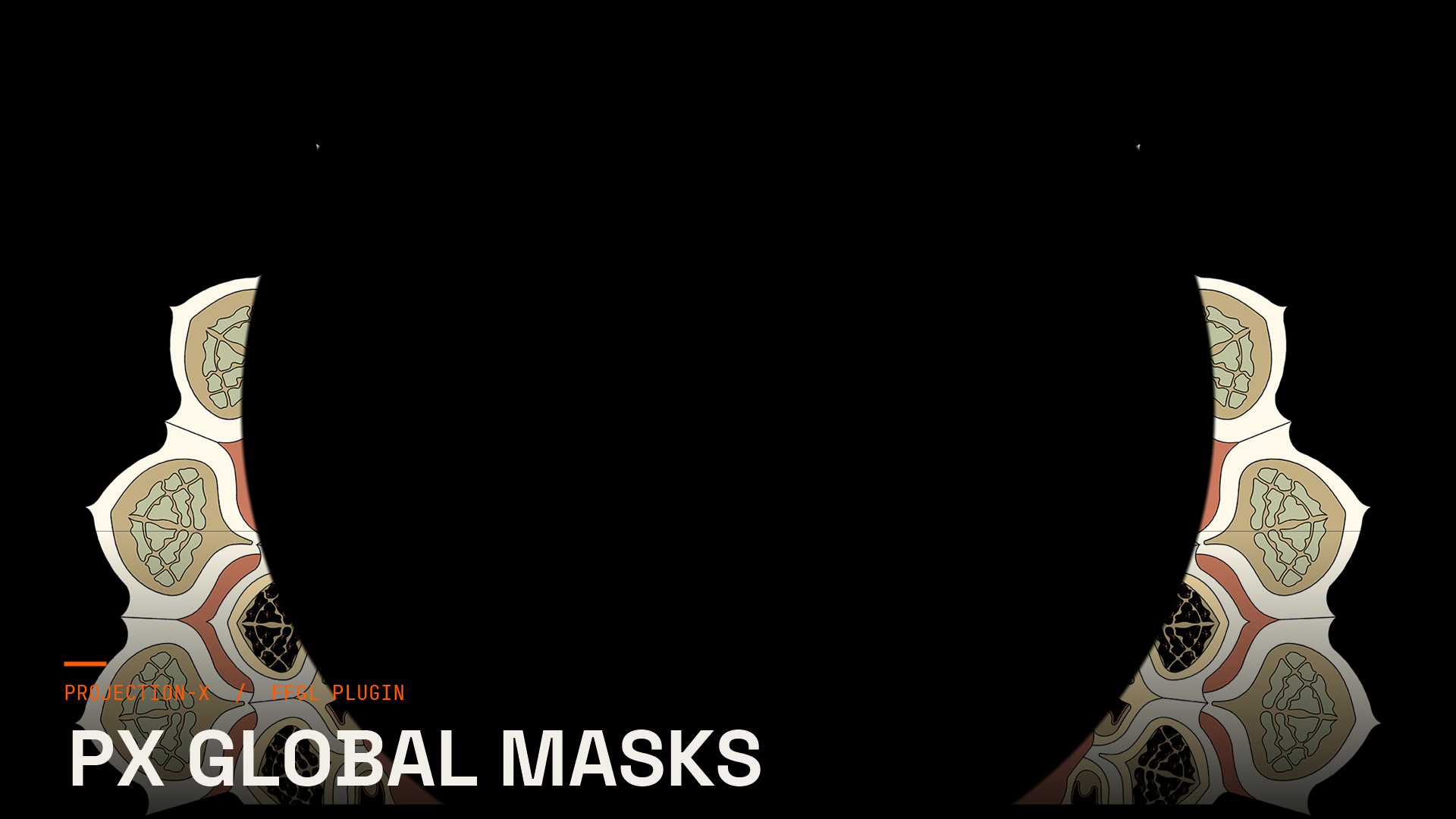
Dieselben Masken, direkt über den eingehenden Clip gelegt. FFGL-Plugin für Resolume Arena. Kauf schaltet das Plugin dauerhaft im Projection-X Launcher frei („gekauft ist gekauft" — keine Abo-Bindung).
How it is built.
- 01
Mask
Controls: Shape · Size · Softness · Animate · Reveal · Angle · +4
- 02
Layer 2
Controls: Second Layer · Shape 2 · Size 2 · Angle 2 · Detail 2 · Offset 2
- 03
Motion
Controls: Sync · Speed · Quantise · Ping Pong · Reverse
- 04
Colour
Controls: Colour · Palette · Palette Phase · Colour Cycle
- 05
Output
Controls: Invert · Opaque Background · Mix
How you drive it
These are the exact controls you get in Resolume Arena & Avenue — 28 of them across 5 groups.
Mask10
Layer 26
Motion5
Colour4
Output3
- Software
- Resolume Arena & Avenue
- Devices
- 2 machines
One click in the PX Hub — the rest happens by itself.
- 01
Open the Hub
Sign in — everything you bought is ready right away.
- 02
Install
The Hub drops the file where it belongs — sign in once and your key does the rest.
- 03
Get going
Restart Resolume Arena & Avenue — the effect is there.
Without buying, the effect runs as a watermarked demo — so you see it live in your show before you decide. On top of that you get one 60-minute run without the watermark.
What you get.
License on your account
Your purchase is tied to your Projection-X account. In PX Hub your hub key is all you need — one key for all your plugins.
Updates through PX Hub
New plugin versions show up by themselves, and the Hub updates itself too.
Up to 2 machines
Can be activated on up to 2 machines. The hub shows which ones are active — and lets you release them yourself.
60-minute trial
Run every effect once for an hour without a watermark — straight from the Hub.
Support
Questions about installation or licensing: support@projection-x.de.
What you get.
To purchaseFirst-hand.
Reviews from accounts that bought this product or hold a valid licence for it.
No reviews yet.
The first voice will come from someone who owns the product.
Reviews can be written by signed-in accounts that bought the product or hold a valid licence for it.
Sign in to write a reviewAfter signing in you will come back here.
Common questions.
Which software do the effects run in?
Resolume Arena and Avenue for the FFGL plugins, Blender for the add-ons. Each product page states the exact version, platform and resolution it was tested on.
Can I try an effect before I pay?
Yes. Every effect runs for 60 minutes without a watermark on your own machine — once per effect, no card needed. If it does not carry your show, you have lost nothing.