jamaaaan
How it is built.
- 01
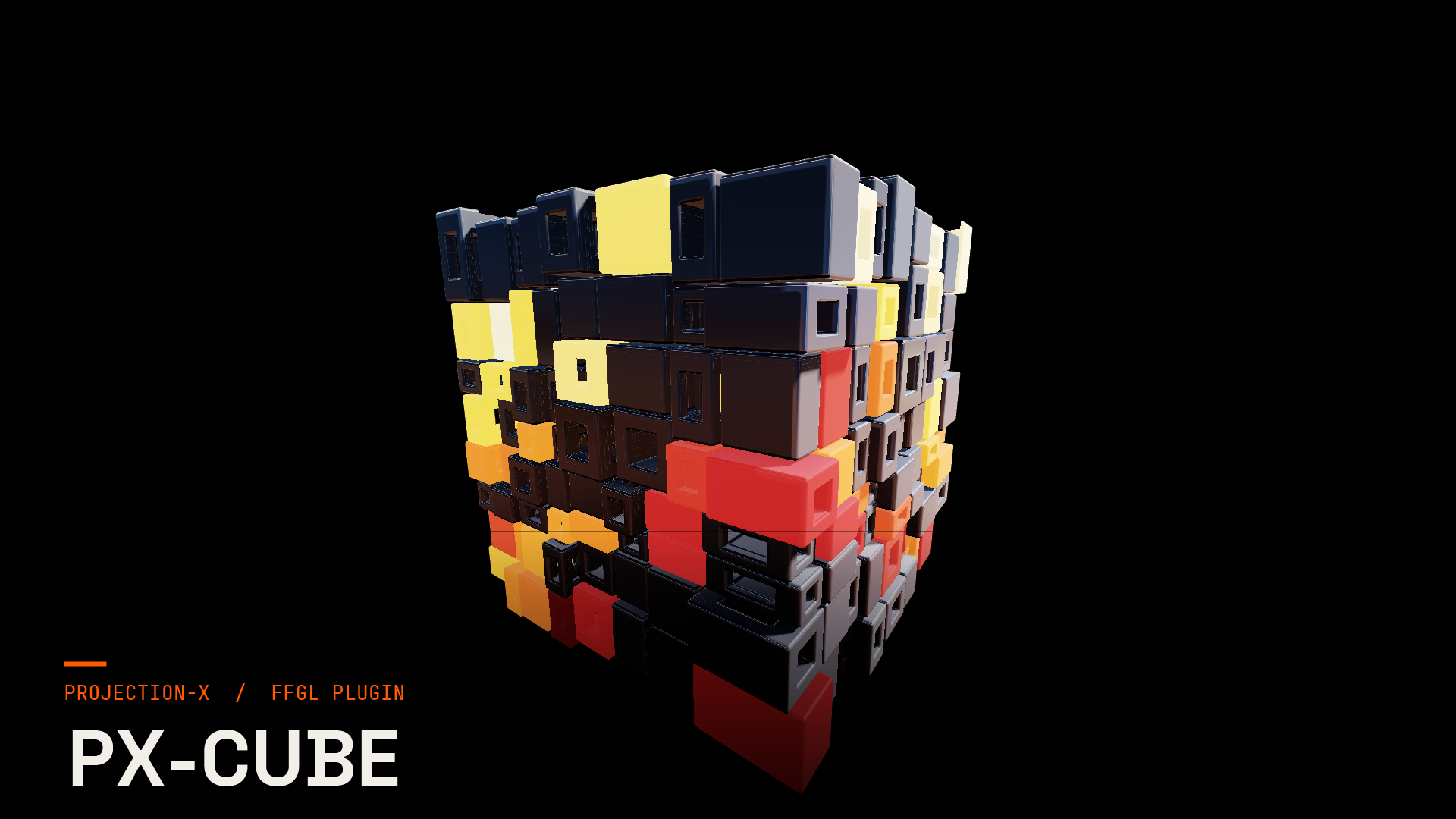
Cube
Controls: Detail · Drift · Relief · Holes · Hole Size · Gap · +1
- 02
Motion
Controls: Motion · Sync · Speed · Breathe
- 03
Look
Controls: Palette · Colorway · Palette Phase · Variation · Glow Cells · Emission · +6
- 04
Light
Controls: Shadows · Light Angle · Intensity · Fill
- 05
Quality
Controls: Quality · Contact Shade
- 06
Output
Controls: Backdrop · Mix
- 07
Camera
Controls: Orbit · Elevation · Distance
How you drive it
These are the exact controls you get in Resolume Arena & Avenue — 34 of them across 7 groups.
Cube7
Motion4
Look12
Light4
Quality2
Output2
Camera3
- Software
- Resolume Arena & Avenue
- Loop
- Seamless
- License
- Extended License
- Devices
- 2 machines
One click in the PX Hub — the rest happens by itself.
- 01
Open the Hub
Sign in — everything you bought is ready right away.
- 02
Install
The Hub drops the file where it belongs — sign in once and your key does the rest.
- 03
Get going
Restart Resolume Arena & Avenue — the effect is there.
Without buying, the effect runs as a watermarked demo — so you see it live in your show before you decide. On top of that you get one 60-minute run without the watermark.
Allowed
Alle kommerziellen Zwecke inkl. Produktionen für Dritte
Not allowed
Direkter Weiterverkauf als eigenständiges Produkt
What you get.
License on your account
Your purchase is tied to your Projection-X account. In PX Hub your hub key is all you need — one key for all your plugins.
Updates through PX Hub
New plugin versions show up by themselves, and the Hub updates itself too.
Up to 2 machines
Can be activated on up to 2 machines. The hub shows which ones are active — and lets you release them yourself.
60-minute trial
Run every effect once for an hour without a watermark — straight from the Hub.
Support
Questions about installation or licensing: support@projection-x.de.
What you get.
To purchaseFirst-hand.
Reviews from accounts that bought this product or hold a valid licence for it.
No reviews yet.
The first voice will come from someone who owns the product.
Reviews can be written by signed-in accounts that bought the product or hold a valid licence for it.
Sign in to write a reviewAfter signing in you will come back here.
Common questions.
Which software do the effects run in?
Resolume Arena and Avenue for the FFGL plugins, Blender for the add-ons. Each product page states the exact version, platform and resolution it was tested on.
Can I try an effect before I pay?
Yes. Every effect runs for 60 minutes without a watermark on your own machine — once per effect, no card needed. If it does not carry your show, you have lost nothing.